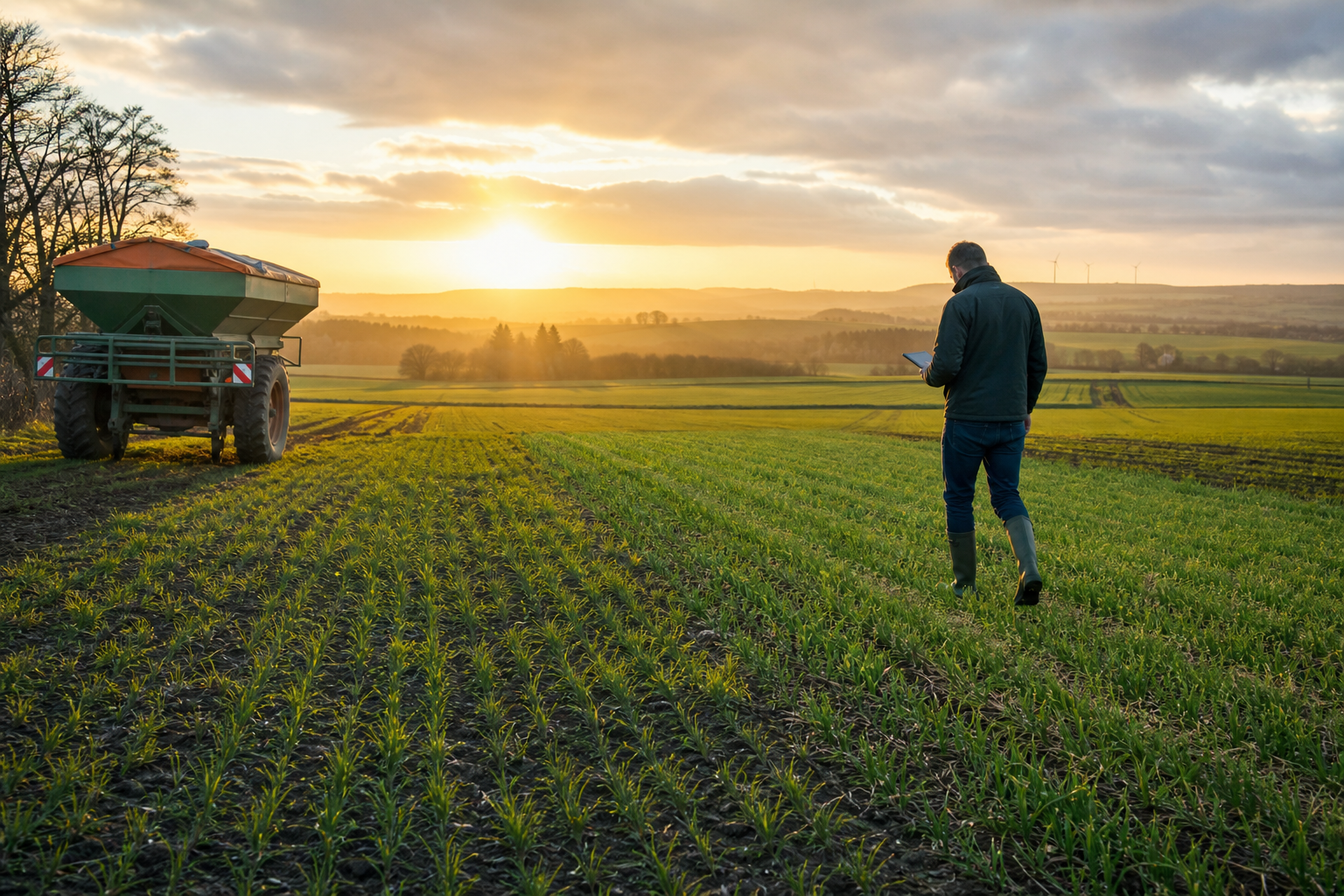
How to Use a Crop Scouting App to Catch Pests Early

Why early pest detection matters
Pest problems rarely explode overnight. In most fields, pressure builds in pockets first: along borders, in wet or stressed areas, near alternate hosts, or where canopy conditions favor feeding and reproduction. By the time injury is visible from the road, the problem is often larger, more expensive, and harder to contain.
That is where a crop scouting app becomes useful. Instead of relying on memory, paper notes, or scattered texts between team members, growers can record observations in real time, map hot spots, compare pressure across fields, and decide faster whether to watch, rescout, or treat.
For small to mid-size operations, speed and consistency matter. When scouting is irregular, pest populations can move from manageable to costly in a short window. Good digital scouting helps you standardize checks, keep records by field and date, and connect pest observations with crop stage, weather, and field history.
It also supports a more disciplined integrated pest management approach. Universities and public agencies such as https://extension.umn.edu, https://crops.extension.iastate.edu, and https://www.fao.org consistently emphasize scouting, thresholds, and timely intervention as the foundation of effective pest control.
What a crop scouting app should help you do
Not every app improves scouting. The best tools make it easier to observe the field systematically and turn those observations into action.
1. Map fields clearly
You should be able to see field boundaries and move through the farm with confidence. Clean field maps reduce confusion, especially when multiple people scout the same operation. If your software also supports broader farm organization, tools like field mapping and crop tracking make it easier to tie pest notes to specific acres, varieties, and production plans.
2. Record observations at the point of scouting
Fast data entry matters. A scout should be able to log insect counts, feeding damage, disease-like symptoms, weed escapes, and notes on severity without slowing down too much in the field.
3. Track crop growth stages
Pest risk changes with crop stage. Seedling feeding, vegetative defoliation, tassel or silking pressure, and pod or fruit damage all carry different consequences. If the app lets you track growth stages, it becomes easier to judge whether current pressure is likely to justify treatment.
4. Layer in weather conditions
Temperature, leaf wetness periods, rainfall, humidity, and wind influence pest activity and field access. Weather data helps explain why pressure is increasing and whether a treatment window is realistic. For example, if you are coordinating scouting with field operations, this related guide on using rainfall and soil moisture to time fieldwork can help align scouting and spraying decisions.
5. Keep a searchable history
One of the biggest advantages of digital scouting is the historical record. When did the pest first appear? Which fields repeatedly show pressure? Did border rows flare first? Were you above threshold at V6 or closer to reproductive stages? These patterns support better planning next season.
How to set up scouting so pest pressure is easier to spot
A crop scouting app is only as good as the system behind it. The goal is not just to collect notes. The goal is to make sure your scouting routine reveals patterns early enough to act.
Start with risk-based field prioritization
Every field does not need the same scouting intensity every week. Rank fields by risk using factors such as:
- Recent history of specific pests
- Current crop stage and vulnerability
- Planting date differences
- Weather conditions favoring outbreaks
- Field edges near woods, waterways, or alternate host plants
- Known stress from compaction, drought, standing water, or nutrient issues
Higher-risk fields should be checked first and more often. Lower-risk fields still need coverage, but your time should go where pressure is most likely to build.
Create a consistent scouting route
Use repeatable paths rather than checking only easy-to-reach areas. Walk field edges, then move into the interior in a pattern that samples different zones. Zigzag, W, or grid-based routes can all work if you apply them consistently.
In your app, mark observation points or problem areas so future checks are comparable. If one scout samples 20 plants at the edge and another checks a completely different part of the field, trend data becomes less useful.
Define what your team records
Before the season gets busy, decide what counts as a meaningful observation. For example:
- Pest species or best available identification
- Life stage, if known
- Insects per plant, per sweep, or per trap
- Percent defoliation or visible feeding injury
- Distribution: isolated, edge-based, patchy, or widespread
- Crop growth stage
- Weather and field conditions
- Photos for verification
Standardized entries help avoid vague notes like “bugs present” or “looks bad.” Clear, repeatable categories make pest pressure easier to compare across time and fields.
Good scouting is not just seeing a pest. It is documenting enough context to decide whether the problem is increasing, stable, localized, or economically important.
How to use the app in the field to identify pressure early
Look for patterns, not just presence
Finding a few insects does not always signal an outbreak. Early warning comes from tracking where pests are appearing, whether numbers are increasing, and how damage aligns with crop stage.
Use the app to note whether pressure is:
- Confined to field edges
- Associated with stressed or low-lying zones
- Tied to specific hybrids, varieties, or planting dates
- Increasing since the last check
- Moving deeper into the field
This is where mapping matters. A list of notes can be hard to interpret. A visual cluster on a field map is much easier to understand and act on.
Use photos to improve accuracy
Photo records help with identification, internal communication, and post-season review. They are especially useful when scouting staff have mixed experience levels. A clear image of larvae, egg masses, feeding pattern, or plant injury can help confirm whether the issue matches a known pest or something else entirely.
Photos also reduce miscommunication when treatment decisions are made away from the field. A farm manager, agronomist, or crop consultant can often make a faster judgment when the observation includes both a note and an image.
Compare observations to thresholds
The point of a crop scouting app is not to trigger unnecessary spraying. It is to support informed action. That means comparing field observations to local threshold guidance whenever available. Extension resources and crop advisors remain important references here, especially because thresholds vary by crop, pest, growth stage, and expected economics.
If your app keeps historical counts and dates, it becomes easier to distinguish a stable low-level presence from a population that is climbing toward treatment levels.
Rescout on purpose
One underused tactic is scheduling intentional follow-up checks. If pressure is below threshold but increasing, set a specific date to return. If weather conditions are likely to accelerate development, shorten the interval.
Digital scouting makes this easier because the location, notes, and last observation date are already stored. That reduces the chance that a borderline issue gets forgotten during a busy week.
Connecting pest scouting with weather and crop stage
Pests do not develop in isolation. Weather often explains when pressure starts to build and how quickly it may spread. Warm nights, extended humidity, rainfall patterns, and wind can all influence insect movement, survival, or crop stress.
When your scouting records sit alongside live weather monitoring, you can make better decisions about urgency. For example, a localized outbreak before favorable pest weather may deserve closer follow-up than the same count ahead of cooler or disruptive conditions. NOAA remains a useful source for broader weather context at https://www.noaa.gov.
Crop stage matters just as much. Ten insects per sample can mean very different things in a newly emerged stand versus a more mature crop. Apps that connect scouting notes with growth stages help you judge risk in agronomic terms rather than just counting pests.
If you are already evaluating crop condition across multiple fields, pairing scouting with imagery can sharpen priorities. This article on using fall satellite imagery to rank fields for harvest shows how field-level visibility supports better operational decisions overall.
Common mistakes that cause growers to miss early infestations
Scouting only when damage is obvious
Visible injury often means you are late. Regular checks during vulnerable growth stages are more effective than reactive scouting after symptoms become widespread.
Sampling the same easy spots every time
Field entrances and end rows are convenient, but they are not the whole story. Edge-only scouting can overestimate or underestimate true pressure depending on the pest.
Using inconsistent notes
Unstructured observations make trend analysis difficult. If one report uses counts, another uses severity labels, and another uses general comments, comparisons lose value.
Separating scouting from decision-making tools
Scouting notes are most useful when connected to field maps, crop records, weather, and financial context. If a possible treatment is on the table, it helps to see not only where pressure exists but also which acres are affected and what action may cost. Growers comparing software options often find that centralizing this information improves speed and confidence; this guide on how to choose farm management software can help evaluate those needs.
How CropSense can support faster pest response
For small and mid-size farms, pest management is often a race against time, labor, and changing weather. CropSense helps bring the critical pieces together: field mapping, crop tracking by growth stage, live weather monitoring, and farm financial analytics.
That means you can organize scouting by field, record what you see while it is fresh, and review pest pressure in the context of crop development and operational timing. When multiple team members are involved, shared records improve consistency and reduce delays between scouting and action.
If you are still using paper notes or scattered spreadsheets, moving to a more connected system can reduce missed follow-ups and make year-over-year pest patterns easier to spot. If budget is part of the decision, you can review pricing and compare the value against the cost of delayed detection, unnecessary applications, or preventable yield loss.
Best practices for turning observations into action
- Scout on a schedule. Increase frequency during high-risk windows instead of waiting for visible damage.
- Use consistent sampling methods. Keep counts, ratings, and routes comparable across dates.
- Map problem areas. Visual location data helps reveal spread patterns quickly.
- Record crop stage and weather. Context improves decision quality.
- Take photos. Images support identification and communication.
- Set rescouting reminders. Borderline pressure should trigger follow-up, not guesswork.
- Review field history. Repeated hot spots often point to predictable future risk.
Conclusion
A well-used crop scouting app does more than digitize notes. It helps you spot pest pressure when it is still localized, organize field checks with more discipline, and respond before yield and crop quality suffer. The biggest gains come from consistency: repeatable routes, clear observations, mapped hot spots, and records tied to crop stage and weather.
For growers who want earlier detection and better field-level visibility, a connected platform can make scouting more practical and more actionable. Explore CropSense features or start using CropSense to build a smarter pest scouting workflow this season.
Frequently asked questions
Is a crop scouting app useful for small farms?
Yes. Smaller operations often have limited labor and less time to revisit fields. A scouting app helps prioritize high-risk acres, standardize notes, and avoid missed follow-ups.
Can a crop scouting app identify pests automatically?
Some tools may assist with photos or labeling, but identification should still be verified with field knowledge, agronomic support, and extension resources when needed. The app is most valuable as a documentation and decision-support tool.
How often should I scout for pests?
Frequency depends on crop, growth stage, weather, and known pest risk. During vulnerable periods or favorable pest conditions, more frequent checks are usually warranted. Weekly may be enough in some cases, while others require shorter intervals.
What should I record during scouting?
At minimum, note field, date, crop stage, pest observed, approximate counts or injury level, distribution pattern, and photos. Weather and field condition notes also improve interpretation.
Can weather data really improve pest scouting?
Absolutely. Weather influences pest development, movement, crop stress, and spray timing. When scouting and weather data are reviewed together, treatment decisions tend to be more timely and better targeted.
Why is mapping important in pest scouting?
Mapping shows whether pressure is isolated, edge-based, patchy, or spreading. That spatial view can guide rescouting, spot treatments, and field prioritization much more effectively than text notes alone.
Frequently Asked Questions
Is a crop scouting app useful for small farms?
Yes. Small farms often have limited labor and less time to revisit fields. A crop scouting app helps prioritize higher-risk acres, standardize observations, and reduce the chance of missed follow-up checks.
Can a crop scouting app identify pests automatically?
Some apps may assist with photo organization or labeling, but pest identification still benefits from grower experience, crop advisor input, and extension resources. The app is most valuable for documenting observations and supporting decisions.
How often should crops be scouted for pests?
It depends on crop type, growth stage, recent field history, and weather conditions. During high-risk periods, fields may need scouting more than once a week, while lower-risk periods may require less frequent checks.
What should be included in a scouting record?
Useful records include the field name, date, crop stage, pest species or symptom, counts or severity, distribution pattern, photos, and any relevant weather or field condition notes.
How does weather data help with pest management?
Weather affects pest development, reproduction, movement, and crop stress. Pairing scouting notes with live weather data helps growers anticipate outbreaks and choose better timing for rescouting or treatment.
Why is mapping important in a crop scouting app?
Mapping helps show whether pest pressure is localized, edge-driven, patchy, or spreading across the field. That makes it easier to prioritize acres, plan follow-up checks, and target control measures.
Put these insights into action
CropSense brings field mapping, crop tracking, weather, and farm finances into one simple platform.
Start your free trial