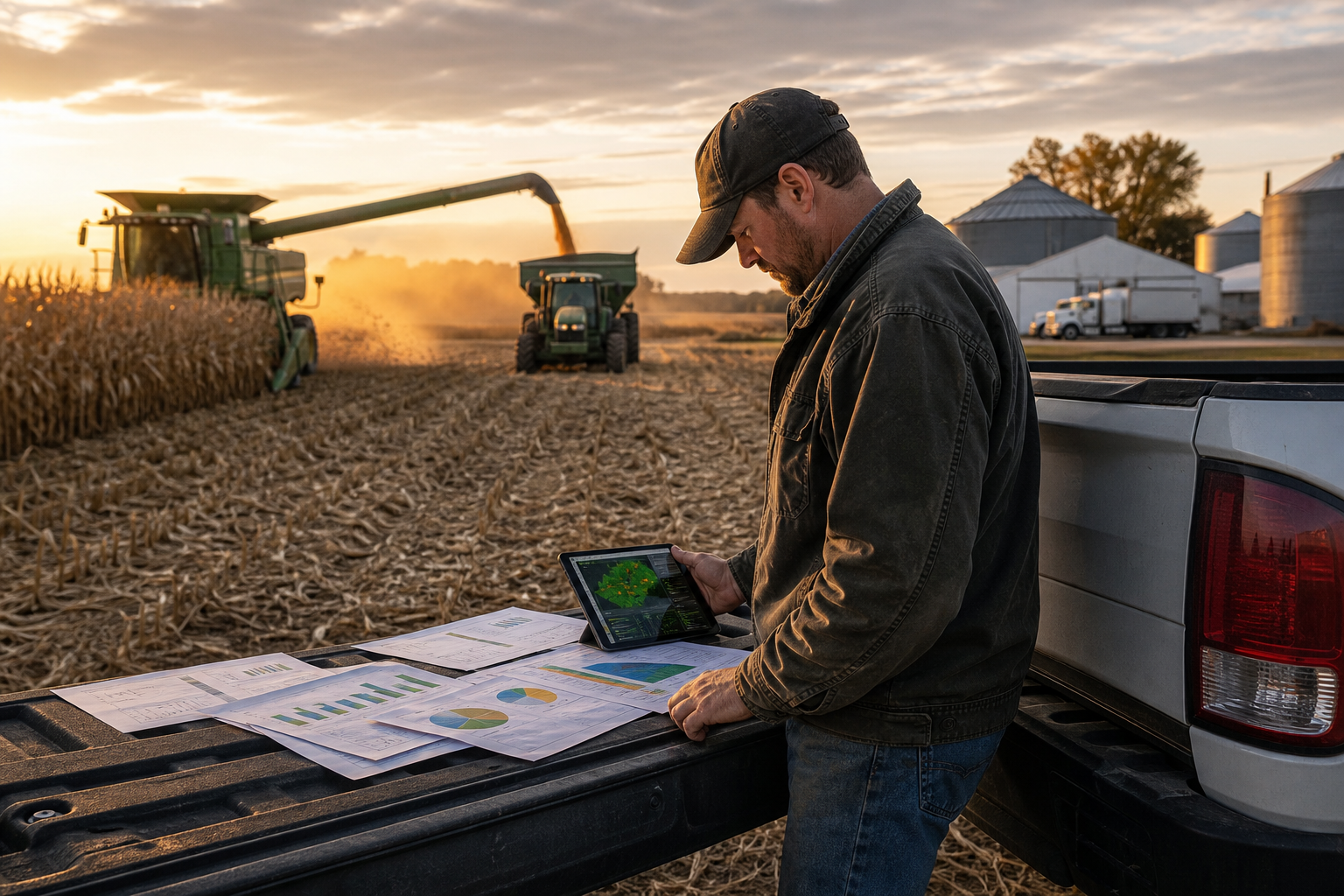
Farm Management Software vs. Spreadsheets: Which Is Better?

If you keep farm records in Excel or Google Sheets, you are in good company — spreadsheets are the natural first step. But at some point most growers ask the same question: is dedicated farm management software vs. spreadsheets actually worth the switch? The honest answer is that spreadsheets are fine until your records need to connect to each other. This guide shows exactly where that line is.
What spreadsheets do well
Spreadsheets are flexible, free, and familiar. For a single, self-contained list — a running expense log or a simple planting date table — they are hard to beat. If that is all you need, there is no rush to change.
Where spreadsheets break down
The trouble starts when different kinds of data need to reference each other. A spreadsheet cannot:
- Calculate acreage from a field boundary you drew on a map.
- Warn you that rain is coming before you spray, based on that field’s location.
- Automatically roll input costs and income into profit per field and per crop.
- Travel with you — it lives on one computer, not on your phone in the field.
So you end up maintaining several tabs by hand, copying numbers between them, and hoping nothing falls out of sync. The more your farm grows, the more fragile that gets.
What farm management software adds
Dedicated software makes those connections for you. Your fields, crops, weather, and finances share the same data, so the moment you log an expense or a growth stage, everything downstream updates. Two capabilities stand out:
- Field-level profit. Instead of a whole-farm total that hides your best and worst acres, you see profit per field. Learn how in how to use a farm profitability dashboard and set up field yield maps to find profit leaks early.
- Timing help. Weather tied to your specific fields turns a static calendar into real alerts you can act on.
A quick comparison
Think of it this way: a spreadsheet stores what you type; farm management software connects it and does something with it. Spreadsheets are a filing cabinet, software is an assistant. The CropSense feature set shows how mapping, crops, weather, and finance work as one system rather than four disconnected tabs.
The hidden cost of “free” spreadsheets
Spreadsheets feel free because there is no invoice, but the real cost shows up as time and risk. Every hour spent copying numbers between tabs, hunting down a formula that broke, or rebuilding last year’s template is time not spent farming. Worse are the silent errors: a mistyped cell, a formula that stops at row 200, a tab someone overwrote. When those mistakes drive planting or spending decisions, the cost is real even though it never appeared on a bill.
A real-world example: finding a profit leak
Say you farm five fields and your spreadsheet shows the whole operation was profitable this year. Comfortable — but incomplete. Connect acreage to inputs and income per field and you might find that four fields carried the farm while one quietly lost money every season because of a drainage issue and high rented cost. A spreadsheet can technically hold those numbers, but it will not surface the pattern for you. Software that ties the records together does, and that single insight can change what you plant, where, and at what rent next year.
Making the switch without losing your data
Moving off spreadsheets is a good moment to clean house. Before you re-enter data, standardize field names, remove duplicate rows, and settle on consistent units. Then bring over the essentials — fields, current crops, and expenses to date — rather than years of history. You want an accurate starting point, not a perfect archive. From there the record grows correctly on its own.
What you keep from the spreadsheet habit
Switching does not mean abandoning everything spreadsheets taught you. The discipline of logging expenses regularly, naming fields consistently, and reviewing your numbers before the next season are all good habits that carry straight over. Good farm management software simply removes the manual, error-prone parts — the copying, the broken formulas, the version confusion — while keeping the routine of steady record-keeping that made your spreadsheet useful in the first place. If anything, the switch tends to make people better record-keepers, because logging a growth stage or an expense from a phone takes seconds instead of waiting for a trip back to the office.
When to make the switch
You are ready when you notice any of these: you copy the same numbers between tabs, you cannot quickly answer which field was most profitable, or you wish you could log data from the field instead of waiting until you are back at the desk. Those are all signs the spreadsheet has hit its ceiling.
For the full picture of what a connected platform covers, read our guide to farm management software, or if you run a smaller operation, see farm management software for small farms.
Frequently Asked Questions
Are spreadsheets good enough for farm records?
Spreadsheets work for a single list, like a simple expense log. They break down when field maps, crop stages, weather, and finances all need to connect, because a spreadsheet cannot link those records or update them from the field automatically.
When should I switch from spreadsheets to farm management software?
Switch when you are copying the same data between multiple tabs, when you cannot answer “which field made the most money” quickly, or when you need records on your phone in the field. Those are the signs a spreadsheet has hit its ceiling.
Can I move my spreadsheet data into farm management software?
Yes. Most platforms let you re-enter or import your existing fields, crops, and expenses. It is a good moment to clean up inconsistent names and duplicate rows so your new records start accurate.
Put these insights into action
CropSense brings field mapping, crop tracking, weather, and farm finances into one simple platform.
Start your free trial